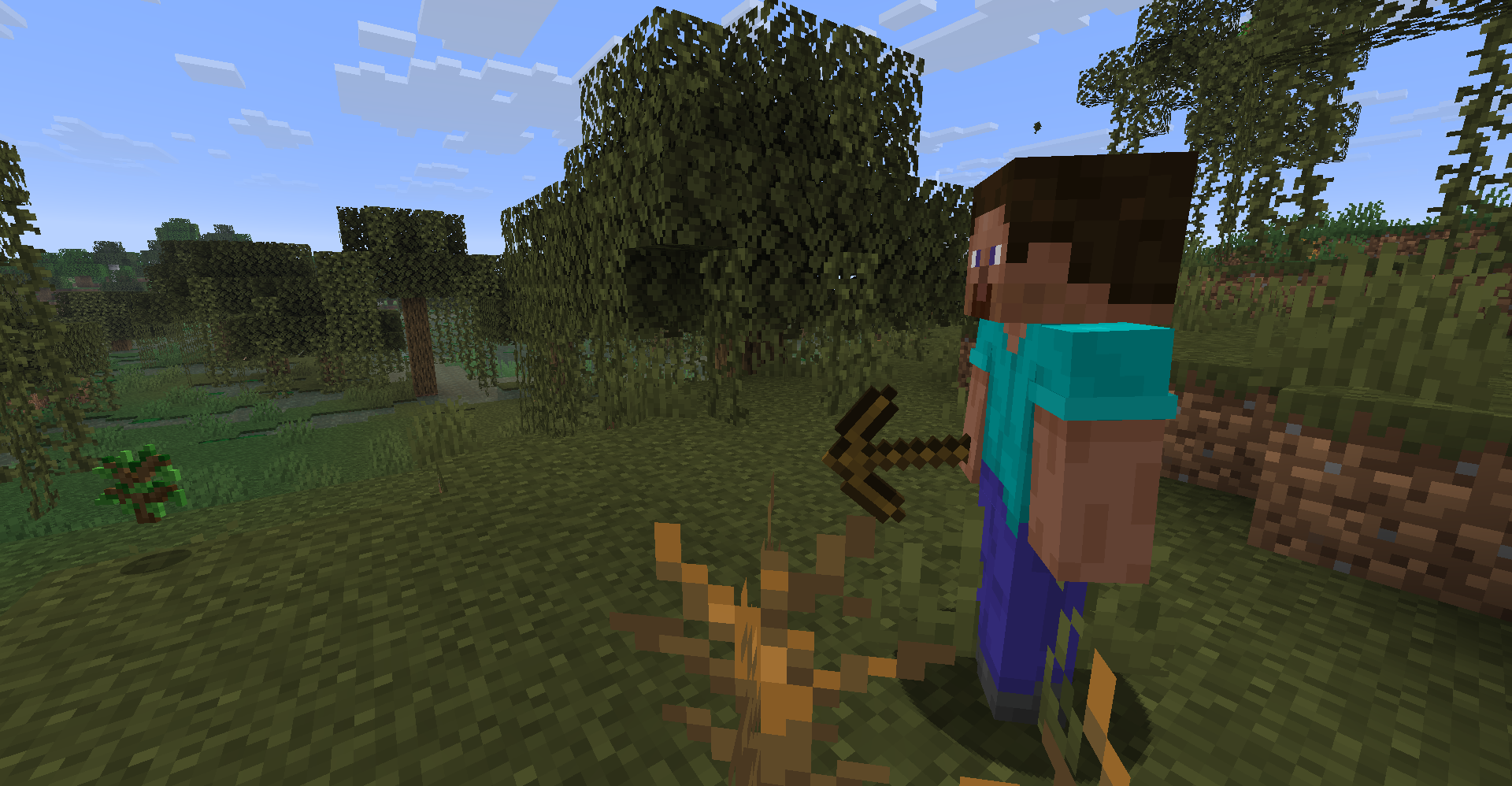
Introducing npc2, an innovative Fabric mod designed to enhance your Minecraft experience by introducing autonomous survival NPCs. These intelligent characters come equipped with a structured survival plan, retain memories, adhere to vanilla mob physics, and are governed by a node-based logic graph to handle tasks such as gathering, crafting, combat, storage, movement, and sleep. npc2 is suitable for single-player worlds, LAN play, and multiplayer servers.
Please note that npc2 is actively being developed. Always back up your important worlds before installation, as NPCs have the capability to mine and place blocks.
System Requirements
To run npc2, you will need the Fabric API and Fabric Language Kotlin. The version
0.3.0-alpha+26.2is compatible with Fabric API0.154.2+26.2and any later versions for Minecraft 26.2.
For server setups: Ensure that npc2 and its necessary dependencies are installed on both the server and each connecting client.
In single-player mode: Install npc2 alongside its dependencies on your Minecraft client.
For LAN play: Ensure every player has installed npc2 and its dependencies on their client.Getting Started Quickly
For Version 0.3.0-alpha and Later
Access the vanilla Creative inventory and go to the Spawn Eggs tab. Use the Survivor NPC Spawn Egg on flat, open ground. Players with command permissions can alternatively type:
/give @s npc2:fake_npc_spawn_eggWhen entering a world, npc2 will provide a formatted quick-start message in the chat, detailing spawn commands, debug controls, and a link to the issue tracker.
For Version 0.2.1-alpha and Earlier
Navigate to npc2’s Creative inventory and select the Survivor NPC Spawn Egg to use on solid terrain. If needed, use the inventory arrows to locate the tab. Alternatively, you can enter:
/give @s npc2:fake_npc_spawn_eggDebugging Panel – Version 0.3.0-alpha and Later
Aim at a living NPC to bring up a compact debug panel containing essential details such as its name, entity ID, health, and debug functions.
- Press
Xto pin the selected NPC and view an expanded panel.- Hit
Xagain to unpin it.- Press
F8to toggle all npc2 debugging features, including the debug panel, glowing outlines, and path visualization.- Customize these controls within the Debug section of Minecraft’s Controls menu. The expanded panel presents the NPC’s decisions, current movement and path state, resource needs, equipment, inventory, and other AI details. For optimal visibility, set your GUI scale to 3 or lower.
Interacting with NPCs – Version 0.3.0-alpha and Later
By default, NPCs will be friendly towards players. They will only retaliate if a Survival or Adventure player attacks them. Players in Creative or Spectator mode will not be targeted. The duration of retaliation can be modified in:
.minecraft/config/npc2/npc2.propertiesKnown Issues with Version 0.3.0-alpha
- The debug overlay may not display correctly at GUI scales above 3.
- NPCs may move slowly while submerged in water.
- Occasionally, NPCs may freeze when retaliating against a player and will resume their actions once the player exits their detection range, shifts to Creative mode, or the configured
player_retaliation_ticksduration expires. These issues are being addressed in upcoming updates.Further Documentation
For detailed installation instructions, configuration options, gameplay insights, troubleshooting, and development documentation, please refer to the npc2 GitHub README. Bugs can be reported through the npc2 issue tracker.