


If you have ever recorded a video presentation of your server or map in Minecraft, you probably struggled with various icons cluttering the game screen. The “Hands Only” mod prepares the screen by removing all distractions and leaving only your character’s hands.
Features
The mod does not require any settings, just install it in Minecraft, and you’re good to go! Everything except for hands, crosshair, and player name will be removed from the game screen interface. 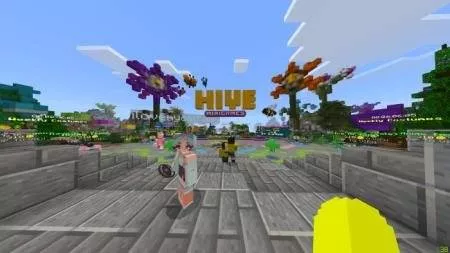
Crosshair and Name
If you want to remove the crosshair and name, leaving only hands, go to settings in the “display” section.
Hands Only Installation (.mcpack)
- Download the mod labeled as “.mcpack” below.
- Run the downloaded file to import the add-on/texture into Minecraft.
- Open Minecraft Pocket Edition and go to the world settings.
- Install the imported packs for the world:
— Add-On Packs. - Select the imported resource pack / add-on in each section.
- We recommend restarting the Minecraft PE game client after this.
- Launch Minecraft Pocket Edition, enter the previously configured world in Minecraft, and enjoy the add-on!


Бесполезный мод можно просто в настройке зделать точна так как в этом моде!!!!